
























































FAQs
What is Pangea Chat?
Pangea Chat is an instant-messaging platform that lets students learn a language while texting their friends and helps teachers implement communicative pedagogies within their courses.
Using advances in natural language processing and game design, our solution offers a low-stress and high-support environment for students at any level to learn languages through authentic text and audio-based conversations. With a combination of in-app activities and teacher instruction, Pangea Chat facilitates communication and helps students develop more advanced language proficiency.
What languages do you support?
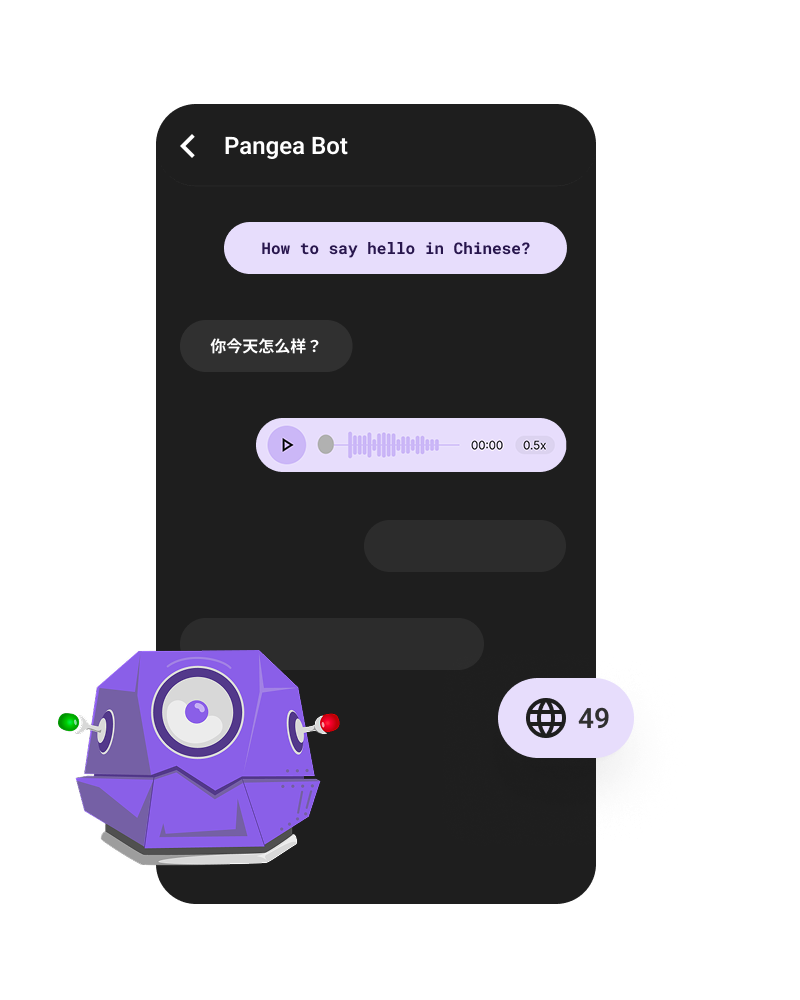
Pangea Chat supports 49 target languages!
Arabic, Basque, Bengali 🌍, Bengali 🇧🇩, Bengali 🇮🇳, Bulgarian, Catalan, Chinese 🌍, Chinese 🇨🇳, Chinese 🇹🇼, Czech, Danish, Dutch 🌍, Dutch 🇳🇱, Dutch 🇧🇪, English 🌍, English 🇦🇺, English 🇬🇧, English 🇺🇸, English 🇮🇳, Estonian, Finnish, French 🌍, French 🇫🇷, French 🇨🇦, Galician, German, Greek, Gujarati, Hindi, Hungarian, Indonesian, Italian, Japanese, Kannada, Korean, Latvian, Lithuanian, Malay, Marathi, Montenegrin, Polish, Portuguese 🌍, Portuguese 🇧🇷, Portuguese 🇵🇹, Punjabi, Romanian 🌍, Romanian 🇷🇴, Romanian 🇲🇩, Russian, Serbian, Slovak, Spanish 🌍, Spanish 🇪🇸, Spanish 🇲🇽, Ukrainian, Urdu 🌍, Urdu 🇮🇳, Urdu 🇵🇰, Vietnamese.
Tutorial Videos
We’re actively making updates to the application so tutorial videos become outdated quickly. However, we’re happy to meet with you and show you around! For a live demo, please reach out via the Contact page. We’ll respond within a couple hours.
Is Pangea Chat only for schools?
No! You can sign up for and use Pangea Chat as an independent user, too, although the current version is tailored to the needs of language educators and students with interactions occurring within a “class” or conversation partner space.
How much does Pangea Chat cost?
The basic instant-messaging interface is free to use and access. To user our learning tools and track engagement and progress, you’ll need to have an active Pangea Chat subscription. You can see our pricing here.
How does Pangea Chat protect my privacy?
Check out our privacy policy here.
Are you concerned the learning tools will make students focus too much on accuracy?
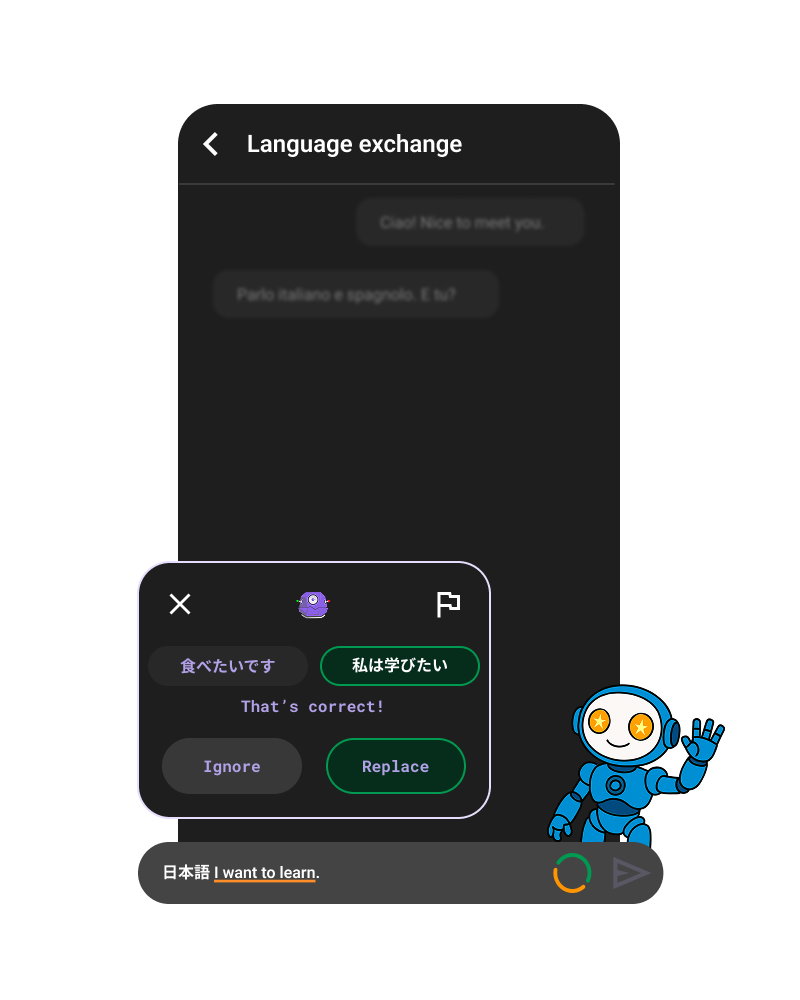
Some teachers worry that learning tools might cause students to over-focus on accuracy. In line with Krashen’s Monitor Hypothesis, our tools are designed so that accuracy feedback serves as an optional monitor rather than a constant constraint on communication. The system gives students suggestions without forcing them to accept corrections. They can choose to ignore grammar, spelling, and punctuation prompts, and because these appear before a message is sent, students can engage with them privately and selectively.
If needed, these tools can also be turned off in Learning Settings.
Can teachers see students' messages?
Activity Sessions are always created within the course and visible to the Course Admin so teachers can join if need be.
Course Admin do not have access to any direct messages students might send each other. However, a Course Admin can see data on learning and engagement from those chats via the Course Stats page. Chat participants can also download their chat transcripts as .txt or .csv files which allows students to share their chats with teachers as needed.
If an admin (often researchers) really want to dive in, they can download analytics data from the space. This data includes things like what grammar concepts were used by each student but excludes messages and specific vocabulary words for privacy. If you’re a researcher and would like to see some data that’s not there, we’re happy to accommodate (within the bounds of our privacy agreement with individual users).
Do you think chatting (text and voice messages) is enough to learn a language?
While an instant messaging application is not enough to provide everything a learner needs to be proficient in a language, it can play a major role in language development.
Research shows that texting can be used to help students improve:
- grammar (Moghari & Marandi, 2017),
- vocabulary (Li, Cummins, & Deng, 2017),
- reading and writing (Hazea & Alzubi, 2016), and
- speaking (Jones, 2023; Namaziandost et al., 2022)
It is important to also note that Pangea Chat has been designed with the intention of offering a safe, low-risk, high support environment for beginner learners, allowing them to gain the foundational knowledge and confidence in their target language to, then, move into more high-risk, spontaneous oral language practice and production.
We recommend allowing students to build confidence in Pangea Chat then following up with in-class conversation activities.
Do you have an oral/speaking feature?
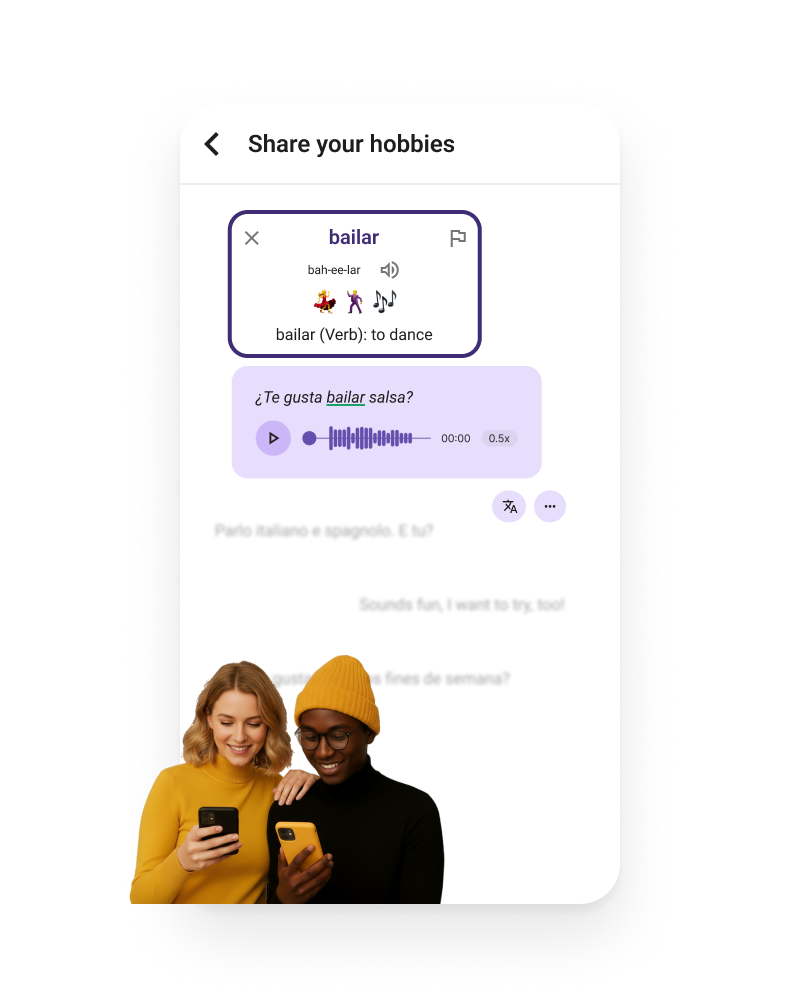
Yes! Learners can click any message to have it read-aloud with state-of-the-art AI voices. They can also send voice messages and receive AI-powered pronunciation feedback.
Does Pangea Chat teach informal or slang language, especially for texting?
We are working on the ability to set the level of formality that a user wants to use, practice, and learn as they message within the platform. At the moment, a user could use informal text message abbreviations in the app, but would likely not be suggested those abbreviations in the Interactive Translation or Interactive Grammar Checker interactions.
For example, a user can write “Kiero ir x una gaseosa.” and the message will be sent through without any errors being detected. If a student clicked on “x” for a contextual definition, they would see: In this context, “x” is used as an abbreviation for “por” which translates to “for” in English. So, while the system is not actively teaching text message abbreviations, they could be taught in class and then practiced on Pangea Chat.
In the same way, if a student is engaging in conversation with a conversational partner who happens to be a native Spanish speaker, for example, that uses these common informal, text abbreviations, they would also get that exposure while getting language support from Pangea Chat to understand any new abbreviations.
How do you account for language varieties?
Pangea Chat does not explicitly distinguish between different language varieties. Words or patterns of speech specific to a language variety are supported in different ways depending on the language learning tool.
The Interactive Grammar Checker is trained using digitized text. If a word form or variety is represented “somewhere on the internet” then it was likely in the datasets used to train the system, and will likely be considered grammatically correct.
The translation tools will present the most common translation, averaged across all language varieties. This means that the mostly widely used way of expressing something will be supported, potentially under-representing more uncommon varieties. However, if a student uses a less common variety when producing a message, it should not be marked as incorrect. This means, any less common varieties can be actively used and practiced on Pangea Chat, they may just not be suggested through the translation tools at this moment.
The word definition tool does well identifying words across language varieties and, if a word is more common within a specific variety, this may be mentioned.
How do you monitor profanity or inappropriate language?
Within the platform, we do not actively filter out inappropriate language or profanity. We began designing a profanity filter within Pangea Chat; however, we realized (along with our Board of Teachers) that we were filtering out things we did not want to filter out.
Many words can be considered inappropriate or profane to use in certain geographical areas or contexts, but not in others. One example of many is the word “cuca” in Spanish. In Colombia it is inappropriate, but in some Central American countries it is used to refer to roaches. Another example, can be found in discussions about human sexuality, which may or may not be appropriate given the class setting. Ultimately creating a “one size fits all” profanity filter wasn’t feasible, but we’re continuing to explore options for automatic moderation which would flag unacceptable content (hate speech, violence, harassment, etc) to their respective teachers, so they can decide what action to take in response.
Currently, teachers can remove messages from a chat if they find them inappropriate and students can report messages in private 1-1 or group chats as offensive.
How is translation and grammar feedback calculated?
During the interactive translation flow, the user is provided with a coloring system for each of their individual choices. A “green” choice in the IT flow means that the Pangea Chat system thinks the choice is correct. A “yellow” choice means that the system is not confident about its prediction, and the choice may or may not be correct; in this case, the user is encouraged to be creative! A “red” choice means that the system is confident that choice would lead to a poor translation. At any point, the user can also choose to get a contextual definition for each of the choices within the flow. The contextual definition utilizes a large language model to describe the potential meaning of a given choice within the context of the original meaning. If the choice doesn’t make much sense, Pangea Chat lets the user know this, and that can serve as an additional hint that their choice may be incorrect.
In regards to the final score for Interactive Translator, the app establishes a baseline “correct” translation from a reliable underlying translation model. The user is then evaluated based on how “close” they got to that correct translation by using state-of-the-art sentence embedding neural networks to achieve a measure of “semantic similarity.” The percentage correct is a calculation of the semantic similarity between the translation the student has created via their choices in the interactive translation activity and the baseline “correct” translation.
In regards to the Interactive Grammar Checker feedback:
- Some errors are caught with manually created, rule-based patterns.
- Other errors are caught solely based on the output of large language models.
Both strategies have their pros and cons. Rule-based strategies can have much higher precision as they’re able to target very specific errors outlined by actual human beings. These can be subject to human error, and, sometimes, encapsulate errors outside of their intended pattern.
Similarly, the output of large language models can be both occasionally astounding or completely inaccurate. A wide breadth of errors can be embedded into the “understanding” of a large language model, allowing us to capture many categories of error without having to utilize manually created rules. However, these are subject to machine error, and can sometimes be misleading, suggesting feedback that is not relevant, or failing to capture an error that might be very apparent to a trained human educator.
Additionally, we utilize the powerful generative abilities of large language models to provide custom generated qualitative feedback for errors. While these, too, are subject to the faults of large language models– they also benefit from rich real time feedback on typical learner errors like never before!
Are Pangea Chat users vetted?
Students that are under 18 can only participate in chats created within a class space. Teachers control their Class space and choose who to grant access to. Teachers add students by sharing a private class code or link. This works in very much the same way as Google Classroom. The chats in the Class space are not monitored, and users on the platform are not vetted by Pangea Chat given teachers are in control of who their students are interacting with.
An exception to this is, students who are 18 years of age or older can access a space to find Conversation Partners (other students who are 18+). Here, users can direct message each other outside the Class space.